How to check in online for your eDreams booking

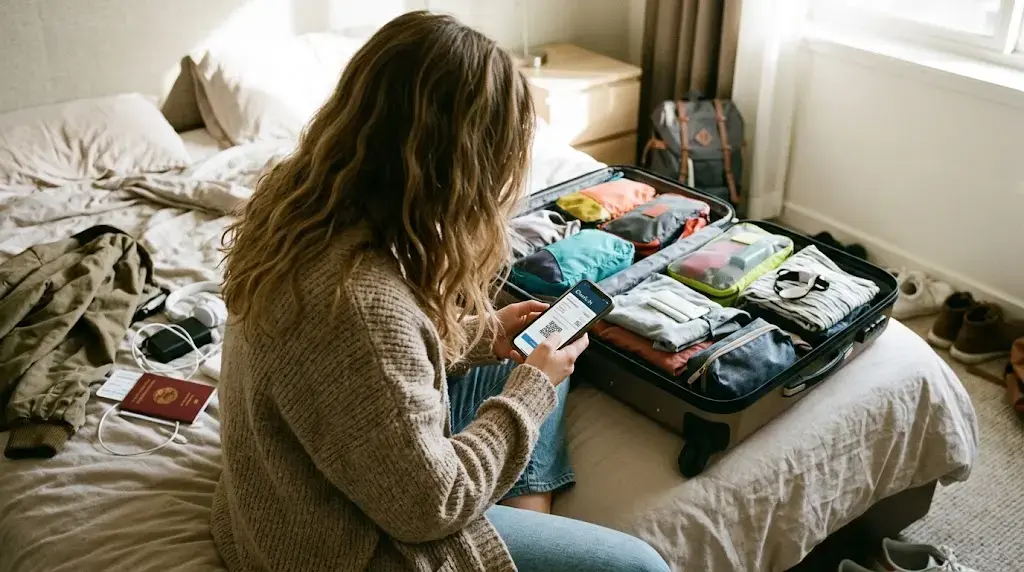
Quick answer: Open the eDreams app, go to My Trips, select your booking and tap "Request now". We check you in once your airline's check-in window opens, normally 24 hours before departure, and send your boarding passes to the app and your email.
This guide covers online check-in for flights booked through eDreams. No logging into separate airline sites for each leg, no setting reminders for the moment a check-in window opens. Send one request from the app soon after you book, and we handle it from there.
The steps below start with the app method. The manual option follows for flights it can't cover. Further down, you'll find where automatic check-in earns its place and where the limits are.
How to check in online, step by step
You can only request boarding passes in advance through the app, and the request is free. If you booked on the website, log in with the same email and your trip will appear in the app.
Select your trip and tap the button. You can do this right after booking, weeks before check-in opens. Fill in any passenger details the app asks for, and check them against your passport or ID before you confirm.
We check you in when your airline opens check-in, which is normally 24 hours before departure. Your boarding passes then arrive in the app and by email shortly afterwards. Save them to your phone's wallet or take a screenshot so you don't have to rely on airport Wi-Fi.
With your boarding pass on your phone, you can go straight to security. If you're checking a bag, drop it at your airline's bag drop desk first. Aim to arrive at least 90 minutes before a domestic flight and 2-3 hours before an international one. Some departures, such as those from Tel Aviv and direct flights to the US, have extra security and need longer.
Read our guide on 'How to get through security faster'If the app route isn't available for your flight, or you'd prefer to check in yourself, get in touch once your airline's online check-in opens. You can also check in on the airline's own website. Either way, you'll need the airline booking reference, which is in your confirmation email and in My Trips. A booking with more than one airline can have more than one reference.
What automatic check-in does and where it has limits
Why it helps to let us check you in
The biggest gain is that you no longer have to watch the clock. Check-in windows open at awkward moments, often in the middle of a meeting or overnight if you fly early, and we send the request as soon as yours opens. Checking in early can also give you more choice among the seats that haven't been assigned yet.
One request covers every passenger, every flight and every airline on the booking, including return legs. For a family of four on a return trip with one airline, that's eight check-ins you don't have to remember.
The boarding passes arrive in the app and by email, so you have a backup if your phone dies at the gate. Being checked in before you reach the airport also means you avoid the check-in desk fees some airlines charge.
Coverage limits and what to expect with multi-airline bookings
The service covers flights with hundreds of airlines across tens of thousands of destinations worldwide. Even so, a small share of airports, routes and airlines don't support advance boarding pass requests, and the service is sometimes unavailable for security reasons. If that applies to your trip, you'll check in at the airport instead, so leave yourself extra time.
Bookings that mix airlines, such as a Vueling outbound and an easyJet return, need a bit more attention. Each airline opens check-in on its own schedule, so your boarding passes arrive separately, sometimes hours apart. Don't assume that one pass means everything is done: open My Trips and count them. If you're still more than a day from take-off and nothing has reached your inbox, that's normal and doesn't mean something has gone wrong.
Frequently Asked Questions
Yes. Checking in is how you get your boarding pass, and you show it at security and at the gate. Most airlines accept a pass on your phone. Some airlines, especially low-cost ones, may charge a penalty if you reach the airport without a printed boarding pass, so check your airline's rules before you fly.
Online check-in is usually better. It helps you avoid possible airport fees, queues at the desk and the risk of losing your seat if the flight is overbooked. Airport check-in is still there for the few flights where online check-in isn't supported.
Through the eDreams app, you just need your booking. Open My Trips, tap “Request now”, fill in any passenger details it asks for, and we handle the rest. I
f you’re checking in directly on an airline’s website instead, you’ll need the airline booking reference rather than your eDreams one, plus the lead passenger’s surname. Some airlines ask for the e-ticket number, which you can find in your booking details. For international flights, keep your passport to hand, as many airlines ask for document details during check-in.
It depends on the airline. Some low-cost airlines, such as Ryanair and easyJet, may open online check-in up to 30 days before departure. Online check-in usually closes 1-2 hours before take-off.
We send it by email from the moment Ryanair opens check-in. Depending on processing times, it may not arrive until 8 hours before departure at the latest. You'll also find it in the eDreams app under Trip Details.
It can work in your favour. Airlines assign remaining unselected seats when check-in opens, so being checked in early puts you ahead of passengers who wait. If you haven’t paid to choose a seat in advance, checking in as soon as the window opens gives you more choice from whatever is still available. It won’t move a seat you’ve already paid for or override an airline’s own assignment logic, but for unassigned seats it is generally better to be early.
First, check whether your airline has opened check-in yet. If it has, and you've allowed some processing time but still have nothing in the app or your inbox, contact us and we'll look into it. If departure is close and you can't wait any longer, check in at the airport.
The eDreams Help Centre covers the most common check-in questions and is the fastest way to find an answer without waiting. If you need to speak to someone, Prime members get 24/7 VIP customer support with agents typically responding within 120 seconds. If you’re not yet a Prime member, you can still reach the support team through the Help Centre.
Information in this article was last verified on 2026-11-04 13:49. Details such as check-in windows, timings and airline policies can change, so always confirm directly with the relevant airline or provider before you travel.
Ready for your next trip?
Book your flight with eDreams and send your check-in request from the app as soon as your booking is confirmed.
Search Flights