How to Check In with Ryanair
Follow our thorough Ryanair check-in guide to learn how to check in online, via an app, or at the airport

Ryanair check-in at a glance
Ryanair strongly encourages passengers to check in online via its website or app before travelling. While airport desks and kiosks are available at select locations, checking in at the airport can incur additional fees.
Ryanair check-in periods:
- Reserved-seat check-in: Opens up to 60 days before departure.
- Random-seat check-in: Opens 24 hours before departure and closes 2 hours before the scheduled flight.
- Airport check-in: Available until 40 minutes before departure, subject to an additional airport check-in charge.
Want one less thing to worry about? Use eDreams' automatic check-in feature to receive your boarding pass straight to your phone.
Bear in mind that Ryanair's check-in conditions can change over time. If you have any questions, we recommend contacting Ryanair directly to ensure you have the most up-to-date information.
Step-by-step guide to checking in with Ryanair
Choose the check-in option that suits you best
Head to the Ryanair website or app and log in to your account. You can also pull up your trip using your reservation number and the email address attached to your booking.
Select check-in and enter the passport or national ID details for everyone on your journey. Just bear in mind that Ryanair does not accept driving licences or birth certificates as valid travel ID.
Ryanair allows you to pay a small fee to reserve specific seats on the plane. If you're happy with a free random seat, select this option during the check-in process.
Complete the quick safety declaration within the check-in window and follow any extra steps.
Download your boarding pass straight to the app or your mobile wallet so it is saved and available offline. If Ryanair flags a restricted pass, there is no need to worry, simply head over to their airport desk for a quick document check.
If you are travelling light with cabin baggage only, you can head straight through to Security once any document checks are done. If you have checked bags, simply leave them at the Ryanair bag drop before the cut-off.
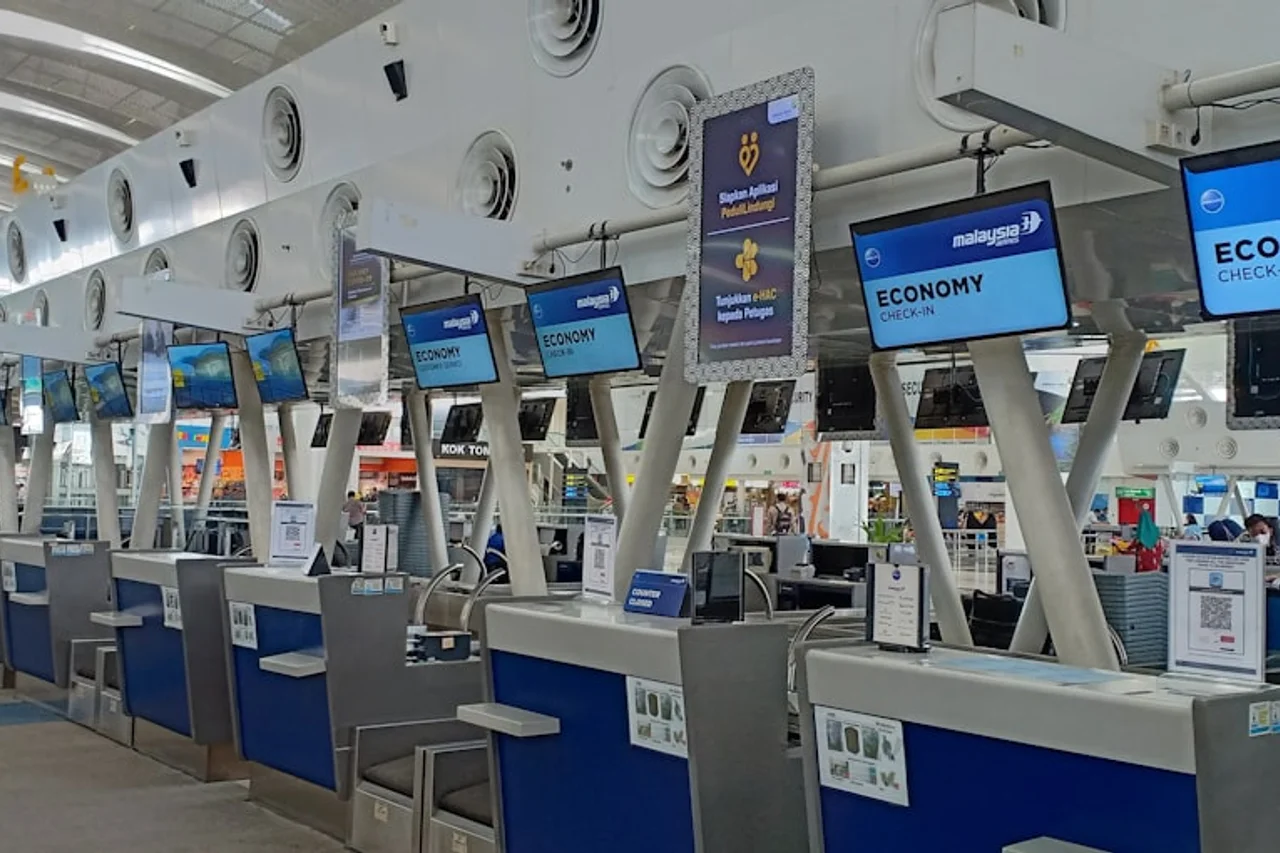
Arrive at the airport with time to spare so you can sail through baggage drop, Security, and document checks without stressing. Ryanair desks usually open two hours before departure and have a strict cut-off.
Check the departure screens for your flight number and follow the signs to the Ryanair desks. If directed by airport staff or signs, head over to a self-service machine first to print your bag tags.
Have a valid passport or national ID handy. Be sure to carry any visas, residence permits, or extra travel documents required for your journey.
Place your luggage on the scales and attach your bag tags as instructed. Keep your baggage receipt safe until you have collected your bags at your destination.
The agent will check your passenger details, travel documents, and check-in status. Remember that Ryanair charges an additional fee for airport check-in.
Pick up your printed boarding pass and any document check confirmations, then head straight through to Security. Keep your travel ID somewhere accessible, as you will need to present it again when boarding.
When you purchase your Ryanair flight with eDreams, simply open our app and head to My Trips to locate your booking. Double-check that all passenger details and flight legs look correct before moving on.
Tap the option to request automatic check-in for your booking. Follow the quick prompts in the app to authorise us to check in eligible travellers on your behalf.
Enter the required passport or national ID details for each passenger. Double-check all names, dates, and document numbers carefully so everything matches your official ID.
Once your details are saved, we will monitor Ryanair's check-in window and complete the process the moment it opens. Keep your app notifications turned on so we can send you real-time status updates.
As soon as check-in succeeds, your boarding pass will be ready to view and download directly within the eDreams app. If Ryanair requires an airport document check or extra steps, the app will clearly let you know.
Bring your saved boarding pass and valid travel ID with you on travel day. Drop your bags at the Ryanair bag drop if you have checked luggage, or head straight through to Security if you are travelling with hand baggage only.
Ryanair check-in and airport deadlines
The check-in times below are standard for most Ryanair flights, though exact timings can vary by airport.
| Stage | Short and long-haul flights |
|---|---|
| Reserved-seat check-in opens (web/app) | Up to 60 days before departure. If booking a return flight, both outbound and return flights must fall within that period |
| Random-seat check-in opens (web/app) | 24 hours before scheduled departure |
| Web/app check-in closes | 2 hours before scheduled departure |
| Airport check-in and bag drop close | 40 minutes before scheduled departure |
| Boarding gate closes | 30 minutes before scheduled departure |
Ryanair details that catch people out
Make sure you bring valid ID
When flying with Ryanair, your driver’s license or student card won't cut it. You’ll need a valid, original passport or an official National Identity Card issued by an EU or EEA country, including Switzerland. Make sure the name on your ID matches your booking ticket exactly to avoid hiccups at the airport. If your name has changed, update your booking well before check-in.
Every passenger, including infants and children, must have their own valid travel document. Remember to bring the physical document, as photos or digital copies on your phone aren't accepted at the gate. Always double-check expiration dates before heading out, because Ryanair never accepts expired IDs, even for short domestic flights.
How family seating works
If you are travelling with children under 12, Ryanair requires them to sit next to an accompanying adult. To cover this, at least one adult on the booking needs to select a reserved seat. Ryanair will then assign seats next to that adult for up to four children free of charge. Just keep in mind that choosing specific rows or upgraded seat types may incur an extra cost.
If you are travelling with an infant on your lap, they do not receive a separate cabin baggage allowance. However, you are allowed to bring a small baby bag in addition to your own baggage allowance, as well as up to two items of baby equipment free of charge.
Ryanair check-in FAQs
If you reserve a seat, check-in may open up to 60 days before departure when both flight sectors fall within that period. With a randomly assigned seat, it opens 24 hours before the scheduled flight.
Online and app check-in close 2 hours before scheduled departure. After that point, airport check-in may be possible until the airport deadline, but an additional charge normally applies.
Yes. Passengers who do not complete online or app check-in normally pay an additional airport check-in charge. Exceptions can apply when Ryanair directs a passenger to collect a pass or complete a required process at the desk.
You need the booking in your myRyanair account or the reservation number and booking email address. You must also enter the accepted travel document details requested for each passenger.
Ryanair generally accepts a valid passport or national identity card, subject to the rules for the destination. It does not accept a driving licence or birth certificate as standard travel identification.
The Ryanair app provides a digital boarding pass when one can be issued for the journey. If the app displays a restricted pass or airport instruction, complete the stated document or boarding-pass process before Security.
Try the Ryanair app or another browser or device, clear the browser cache and confirm that the app is updated. If the booking was made through a travel agent, complete any identity or booking verification requested by Ryanair.
Ryanair allows document details to be updated through Manage My Bookings when no flight on the reservation is within 4 hours of departure. Review every field again after saving the change.
Yes. You can request automatic check-in via the app if you purchase the flights via eDreams.
Some travellers must complete a visa or travel document check before Security. Follow the wording on your boarding pass and in the Ryanair app, and take the original passport, visa or residence document requested.
All set for your next flight?
Compare Ryanair fares and choose a flight that fits your travel plans.
Search Ryanair flights