Iberia check-in: step-by-step guide

Quick Answer: Iberia online check-in opens 24 hours before departure. If you have a fare that includes seat selection, you can get your boarding pass at the time of booking. If not, online check-in opens 24 hours before departure. If you'd rather skip the process altogether, eDreams can complete online check-in on your behalf.
Few things add unnecessary stress to a trip like scrambling to check in before the deadline, especially when you're juggling connecting flights, luggage, or a tight airport schedule. Knowing exactly when Iberia's check-in window opens, and how to use it, means one less thing to worry about on travel day.
This guide walks you through Iberia's online check-in process from start to finish, covering the airline's own app and website, plus what to expect if you prefer checking in at the airport. We've also pulled together answers to the questions travellers ask most often about seat selection, boarding passes, and what happens if you miss the window.
How to check in online with Iberia: step by step
Start by opening the Iberia app (available for iOS and Android) or heading to iberia.com on a browser. Both routes lead to the same check-in process, so pick whichever is easier for you. The app tends to be quicker for repeat use since it can store your booking details, while the website works fine as a one-off from a desktop.
Once you're in, look for the "Check-in" section on the homepage. You'll need your booking reference (also called a PNR, a six-character code found in your confirmation email) and the surname used on the booking. If you booked through eDreams, this information is in your booking confirmation.
Iberia will pull up your flight and passenger information. Check that your name matches your passport or ID exactly, since mismatches can cause problems at the gate. This is also the moment to review your flight time and terminal, particularly useful if anything has changed since you booked.
Depending on your fare type, you may be able to choose a seat for free, or you might be offered extra-legroom or front-row seats for an additional fee. If you've already paid for a seat at booking, it should show as confirmed here. Basic fares are sometimes assigned a seat automatically at this stage.
If you're travelling with checked luggage and haven't already paid for it, you may be prompted to add it now, though this is usually cheaper to arrange in advance. Hand luggage within Iberia's size and weight limits doesn't need to be declared during check-in.
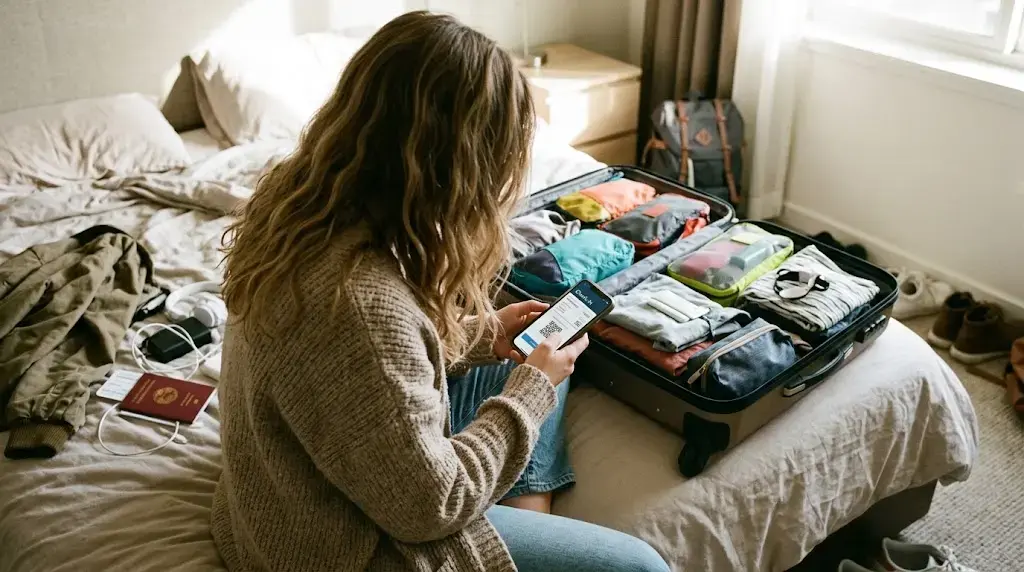
Once check-in is complete, your boarding pass becomes available. You can save it to the Iberia app's wallet, add it to Apple Wallet or Google Wallet, or print it if you prefer a paper copy. If you're checking bags, you'll still need to visit a bag-drop desk at the airport even after completing online check-in.
Other ways to check in for your Iberia flight
Let eDreams check in for you
If you booked your Iberia flight through eDreams, you don’t have to go through the steps above at all. Our automatic check-in feature handles the process on your behalf, so your boarding pass is ready without you needing to remember the 24-hour window or log in to the Iberia app on the day.
The main practical benefit is timing. For many travellers, the check-in window will open in the middle of a workday when they don't have access to a phone or computer. Because eDreams completes check-in as soon as the window opens, you get earlier access to available seats and your boarding pass is issued before most passengers have even thought about it. If you’ve already paid for a specific seat at booking, that’s confirmed automatically too.
Airport desks and self-service kiosks
Prefer sorting things out in person? Iberia also operates check-in desks at airports for travellers who'd rather not use the app or website, or who need to drop checked baggage and complete check-in in one stop. These desks typically open around three hours before departure for international flights and close earlier than the online window, so arrive with enough time to spare, particularly during busy periods.
Self-service kiosks are also available at many of Iberia's hub airports, including Madrid-Barajas, for a faster alternative to queuing at a staffed desk.
Frequently asked questions
Online check-in opens 24 hours before your scheduled departure time. It closes 1 hour before departure for most international and European flights. These windows can vary slightly depending on the departure airport, so always check the exact time shown in your Iberia booking.
Yes. If you booked through eDreams, our automatic check-in feature can complete Iberia's online check-in for you ahead of the deadline, so you don't need to log in yourself or remember the exact time it opens.
You can complete online check-in even with checked luggage, but you'll still need to drop your bag at the airport before your flight. Completing check-in online beforehand usually makes the bag-drop queue faster, since your boarding pass is already issued.
If the online check-in window closes before you've completed it, you can still check in at an Iberia airport desk, provided you arrive before the airport check-in cut-off (typically 45 minutes to 1 hour before departure, depending on the route). Arriving after that cut-off risks losing your seat to another passenger.
Yes. If you didn't select a seat when booking, Iberia will usually let you choose one during check-in, subject to availability and your fare conditions. Basic fares may only offer a random seat assignment for free, with the option to pay for a specific seat.
Online check-in is available across Iberia's fare range, including Basic, Optimum, and higher tiers, though some perks during check-in (like free seat selection) depend on which fare you booked.
Yes, if both flights are on the same booking reference, you can typically check in for your full itinerary, including connections, in one session, and your boarding passes for each leg will be issued together.
If your phone dies, the Iberia app crashes, or you lose access to your boarding pass after completing online check-in, you have a few options. At most airports, Iberia’s self-service kiosks can reprint your boarding pass if you enter your booking reference, and staffed check-in desks can reissue it too. If you used Apple Wallet or Google Wallet to save your pass, it’s usually available offline, so it’s worth saving it there as a backup when you first download it. If you booked through eDreams and used our automatic check-in, your boarding pass is also accessible in the eDreams app under your booking.
In many cases, yes, you can return to the "Check-in" or "My Bookings" section of the Iberia app or website to change your seat before the check-in window closes, subject to seat availability.
You'll need your booking reference and the surname on the booking. For international flights, make sure your passport details on file match your travel document, as discrepancies can cause issues at boarding.
Information in this article was last verified on 08/10/2026. Details such as prices, measures, and dates are subject to change - always confirm directly with the relevant provider before travel.
Ready to fly with Iberia?
Compare fares and book your next Iberia trip in minutes.
Search Iberia flights